To complete your registration you may pay using Zelle below.

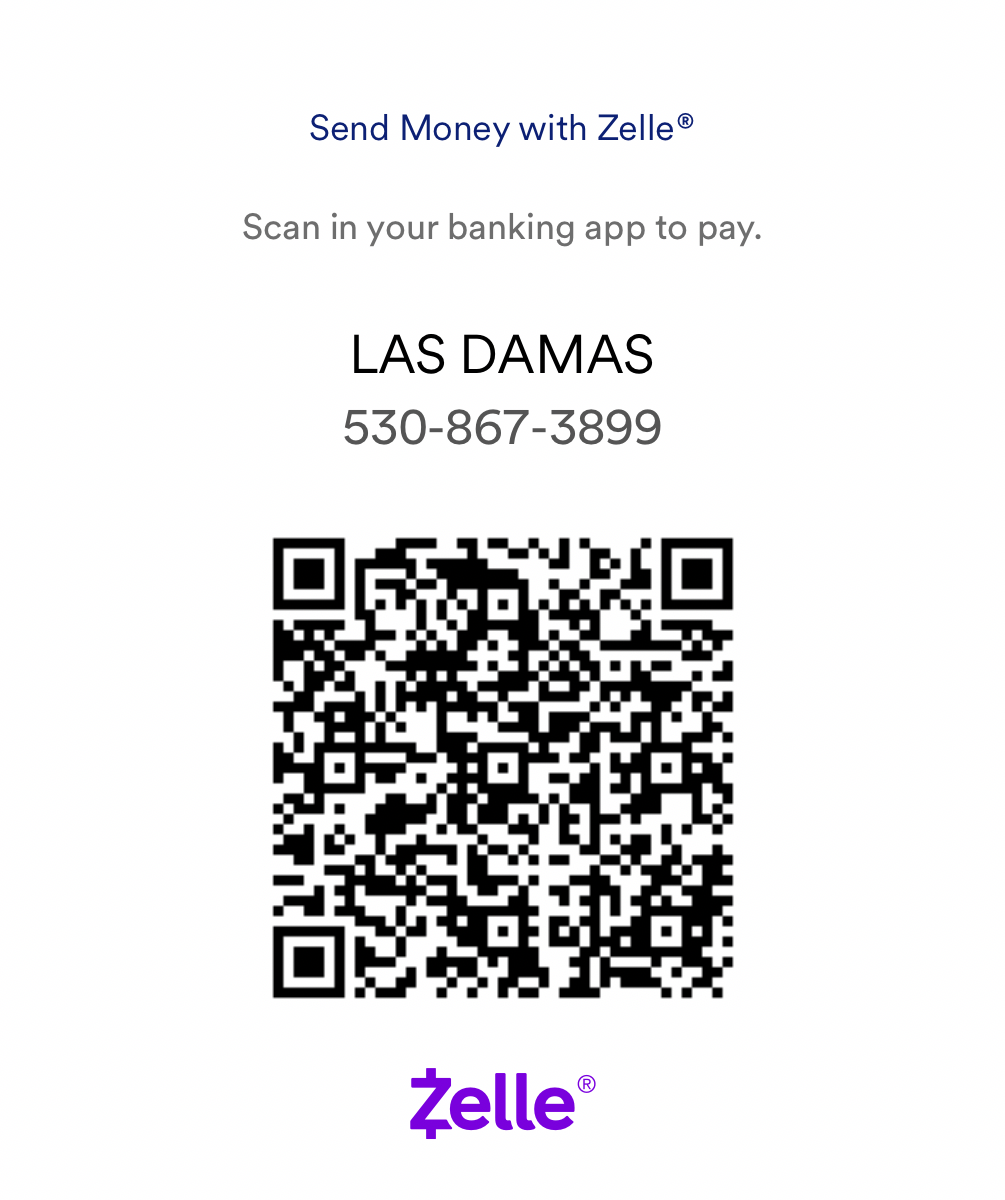
If you are a vendor, please send a copy of your Zelle payment in addition to your photos to: vendors@lasdamas.org
How to Pay with Zelle®
Option 1: Pay Using the Zelle® QR Code
-
Open your bank’s mobile app (not the Zelle app, if your bank has Zelle built in).
-
Look for Zelle® in the menu.
-
Select “Send” or “Send Money.”
-
Choose “Scan QR Code.”
-
Scan the QR code shown on this page.
-
Enter the payment amount and confirm the payment.
You’ll receive a confirmation from your bank once the payment is complete
Option 2: If You’re Viewing This Page on Your Phone
If you’re already on your phone and can’t scan the QR code:
-
Take a screenshot of the QR code.
-
Then open your bank app → Zelle® → Scan QR Code → select the photo from your gallery.
-
OR
-
Use the Zelle® email or phone number provided on this page:
-
Open your bank app.
-
Go to Zelle® → Send Money.
-